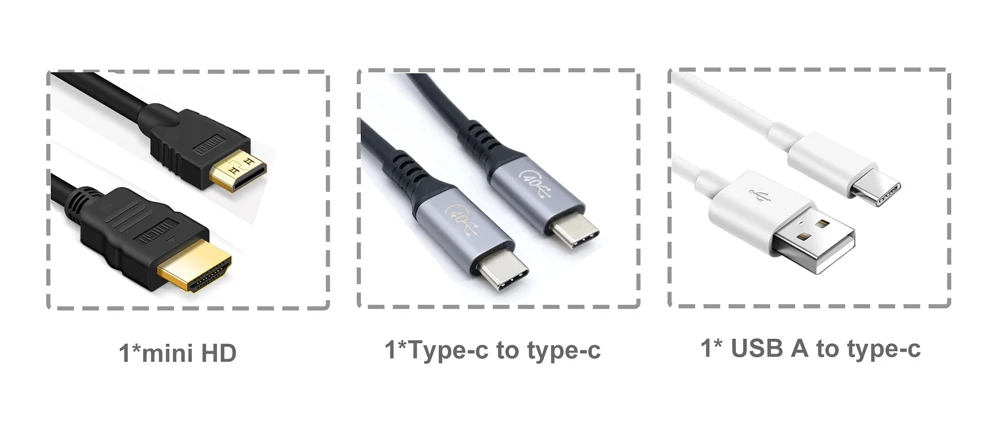
 #Connect to Desktop computer
1.HDMI to mini HDMI to connect your computer or laptop
2.USB A to Type c to connect the power
<<Note: If your power device is not powered enough, you need to buy a PD20W or higher charger by yourself>>
#Connect to mobile Phone
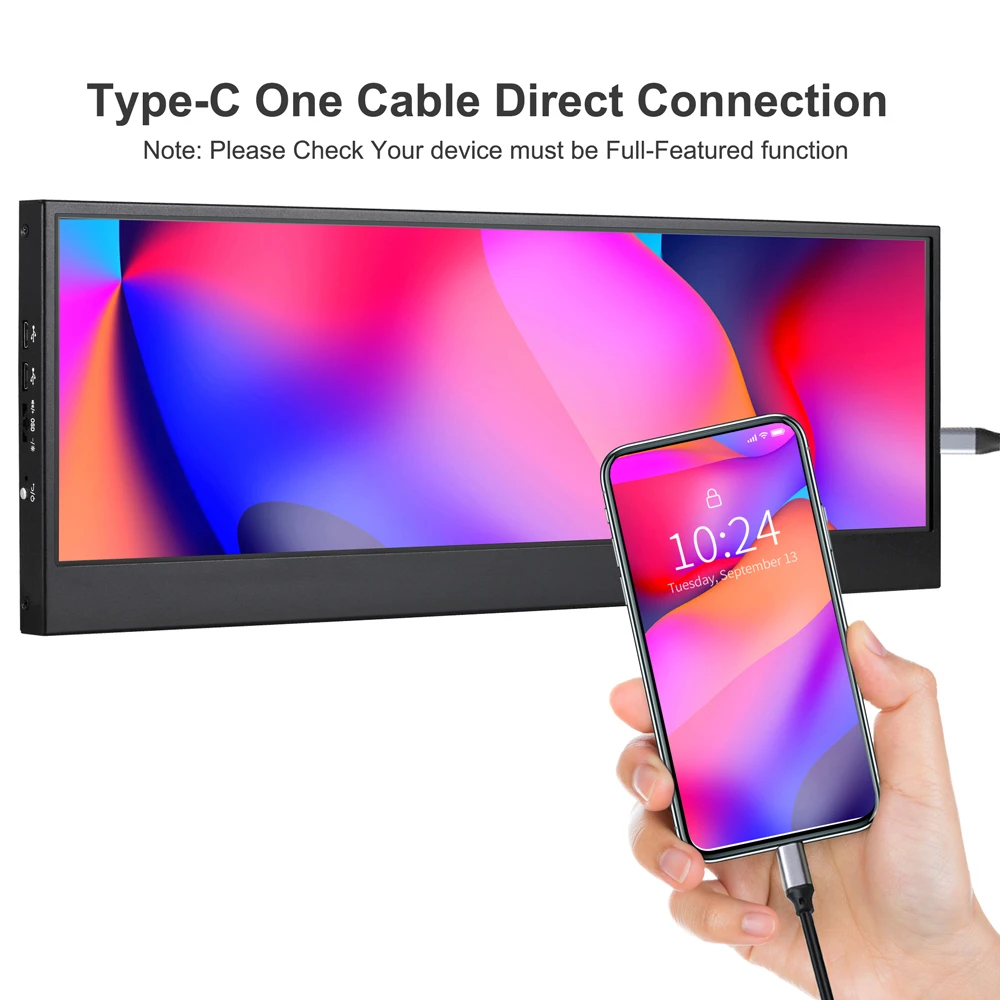
Type c to type c to connect your mobile Phone (Make sure your mobile device with type c full-featured function - USB3.1 , or you can not connect your mobile phone )
【Q&A】
Q:Why does the screen keep flashing after connecting
A: Because the power supply of your connected device is not enough, We suggest that you use up to PD20W charger
Q:Why can not touch after connection
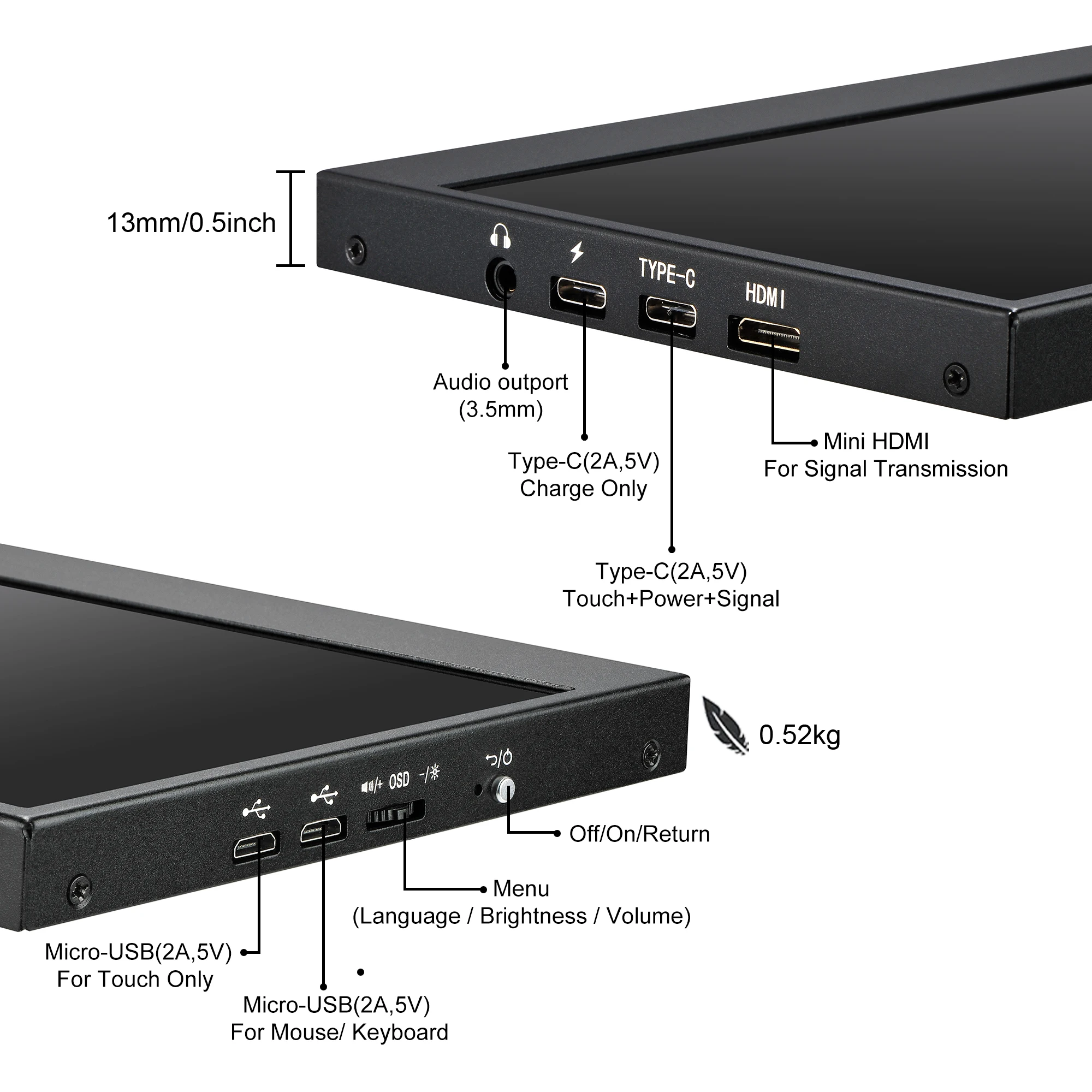
A: Our interface is fixed and cannot be connected arbitrarily,Please connect the black touch cable in the second port marked with the word “type c” interface
Q:Why does it keep showing a red light after connection?
A:The red light indicates that the monitor is working properly
Q: Dose my mobile phone support type c one cable direct connection?
A: Please make sure that your phone has a Type-C interface and supports audio and video transmission (USB 3.1),We suggest that you consult your phone's service provider
Q: it can Compatible for ios or mac os?
A: cannot compatible for ios and mac os
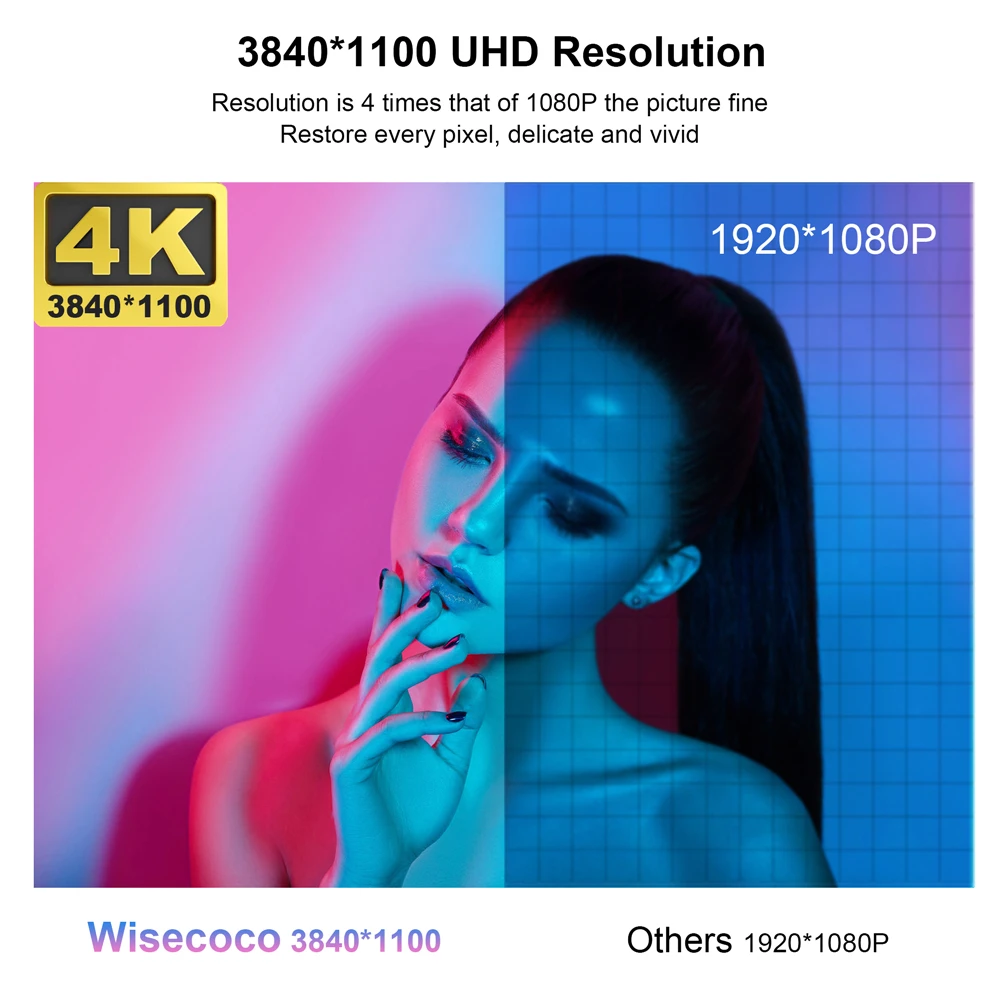
4K Ultra High Definition resolution: with 3840 × 1100 ultra-high-definition resolution, so that the details of the picture is clear. The image processing process, even if the picture is multi-fold magnification, the subtleties can be accurately controlled.
Real IPS Panel : 178° wide viewing angle ,view content in consistent color and image clarity from any vertical or horizontal viewing position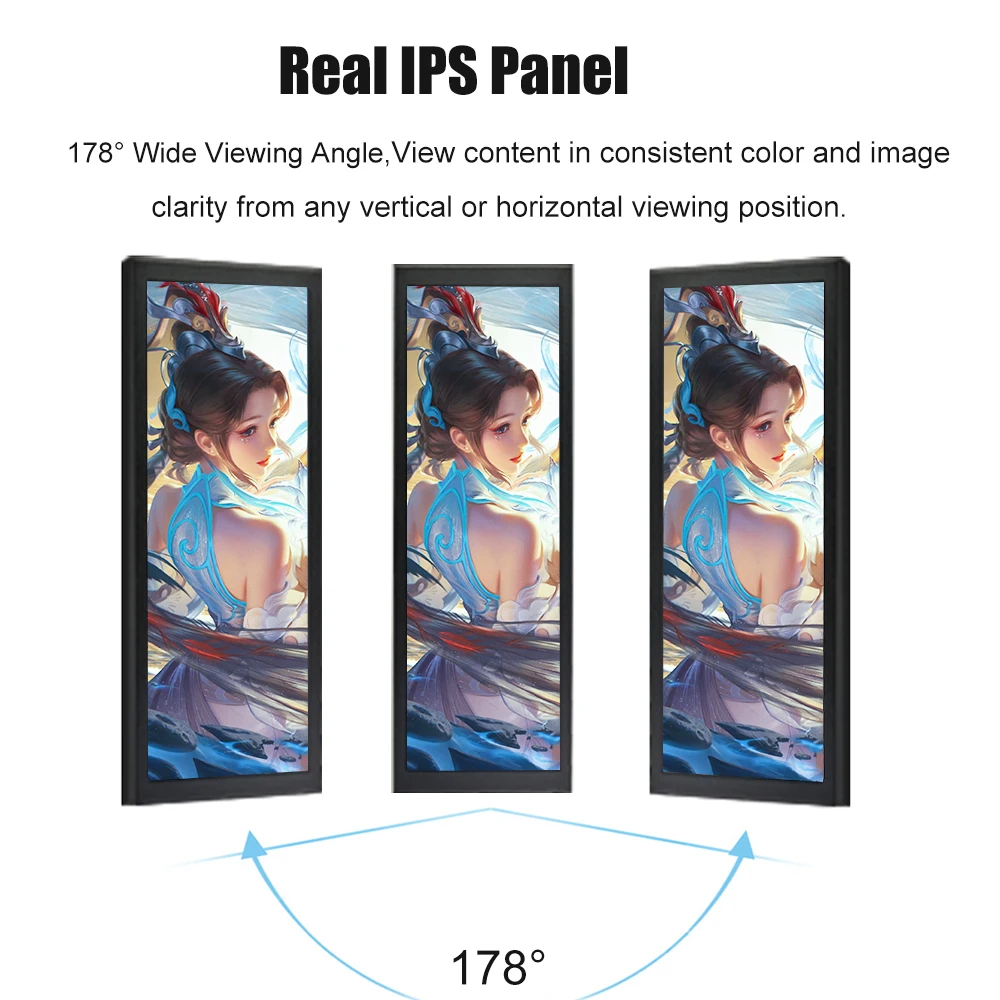
Muti-Touchscreen: G+G Capacitive 10-Point Touch, Plug & Play, fast response, excellent touch sensitivity, drive-free.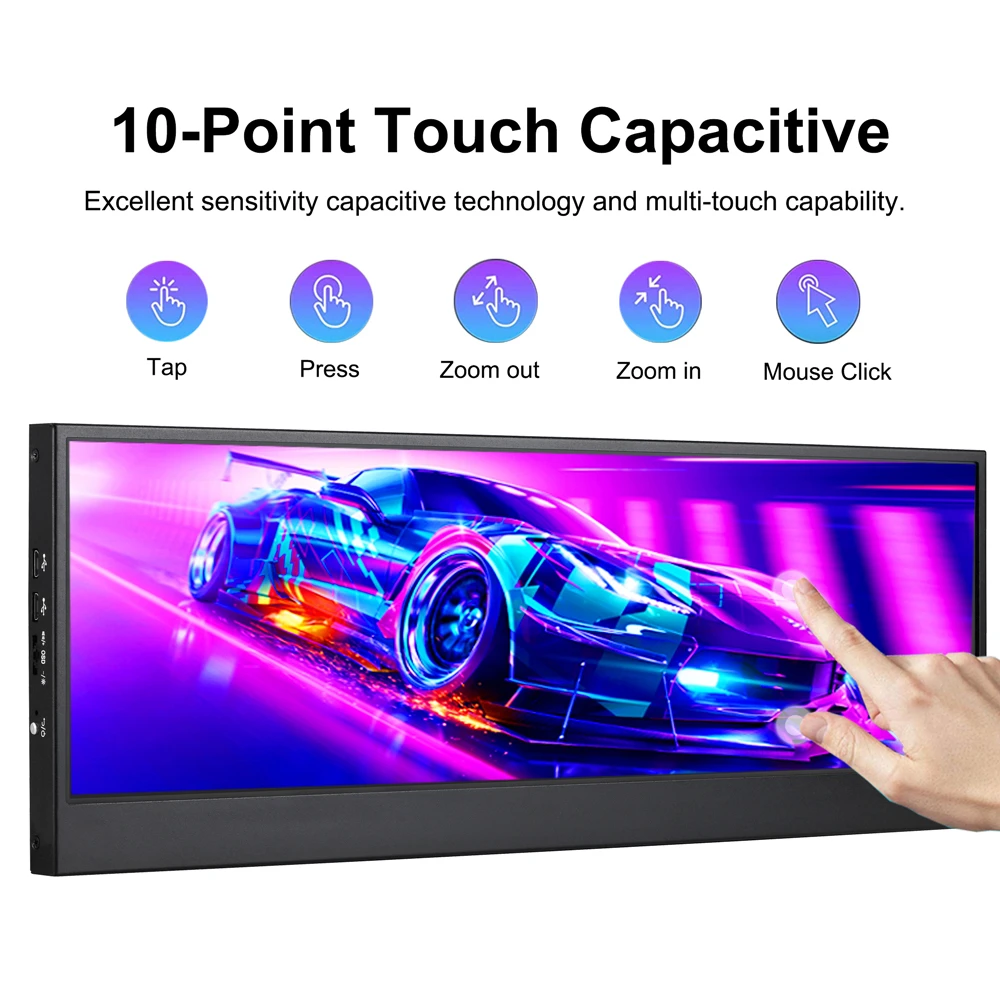
Mobile phone direct connection function: type c one cable to connect your phone, signal transmission synchronization, your phone can extend the computer mode (horizontal screen) and cell phone mode (vertical screen), and support reverse charging (note: Make sure your mobile device with type c full-featured )
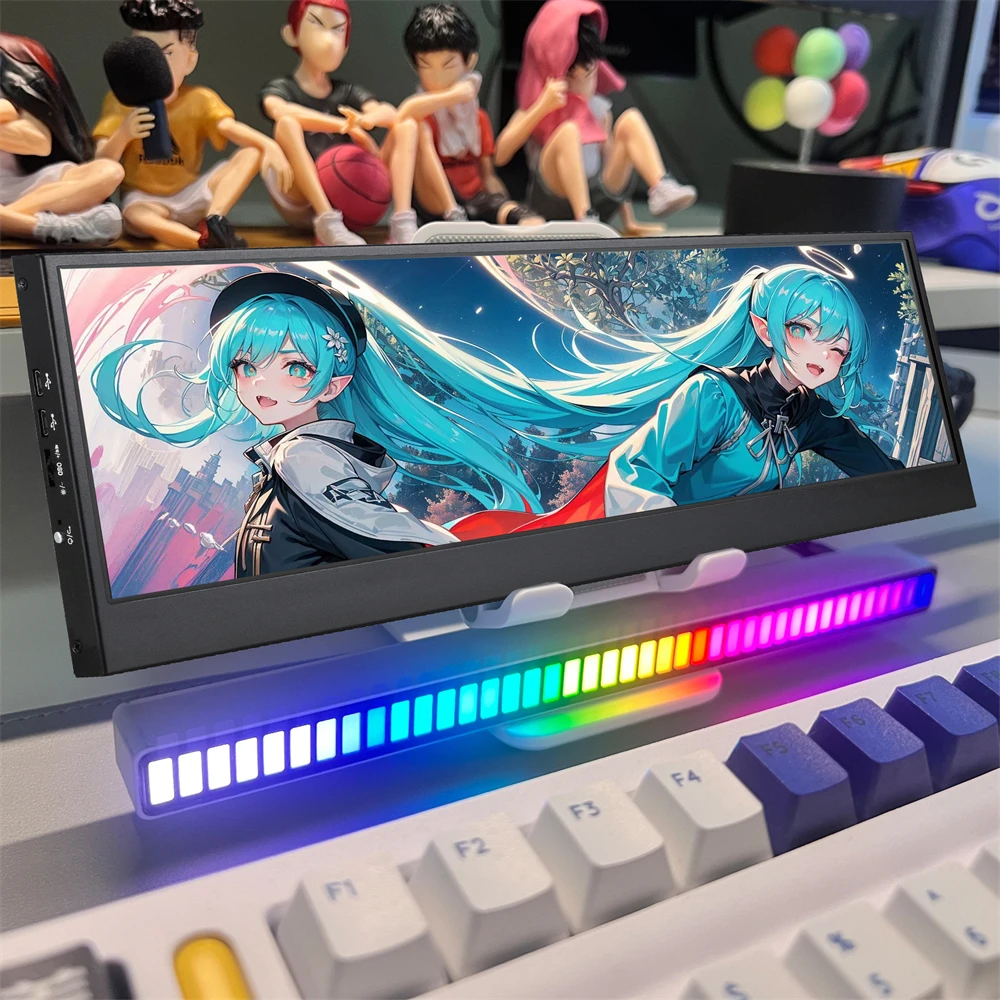
14inch big screen : High quality aluminum alloy material, with narrow top and wide bottom edges, gives a experience of desktop computer screen . 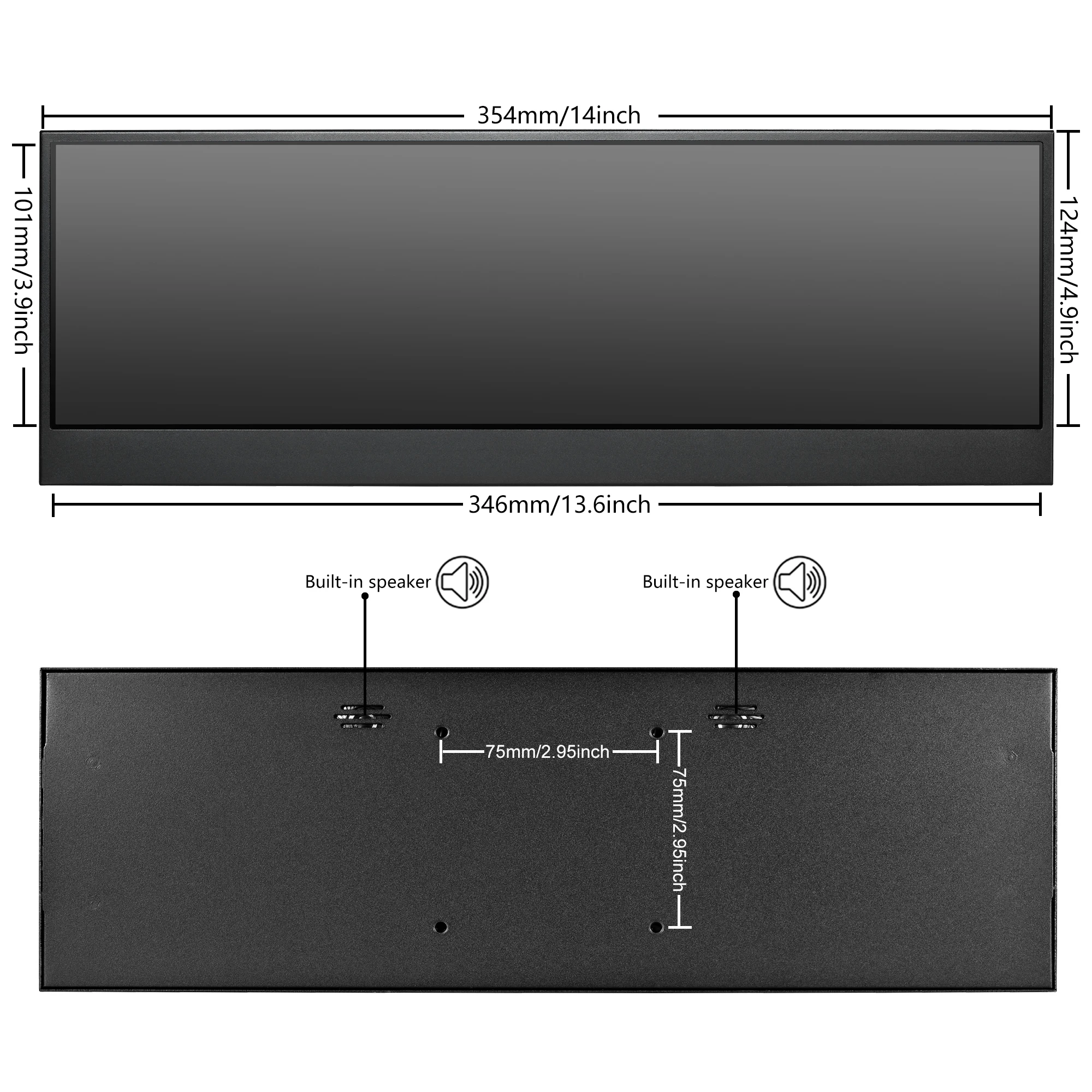
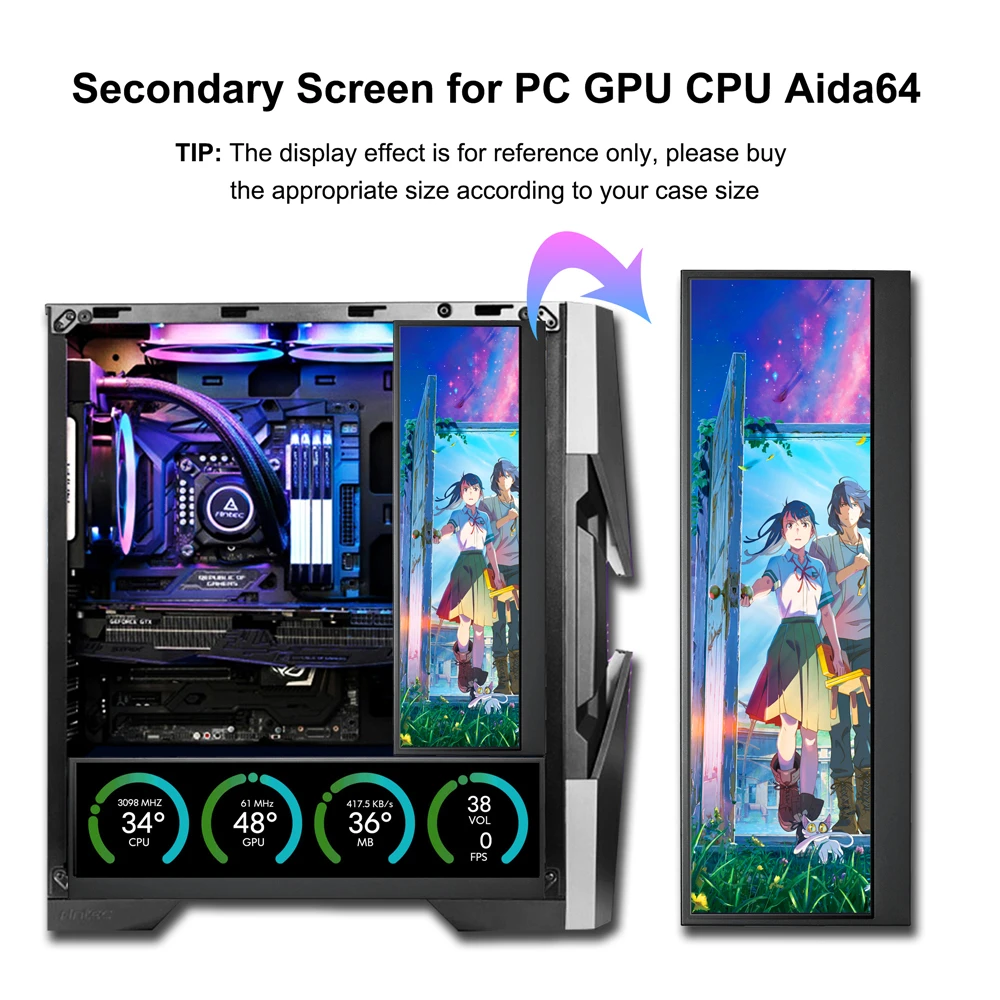
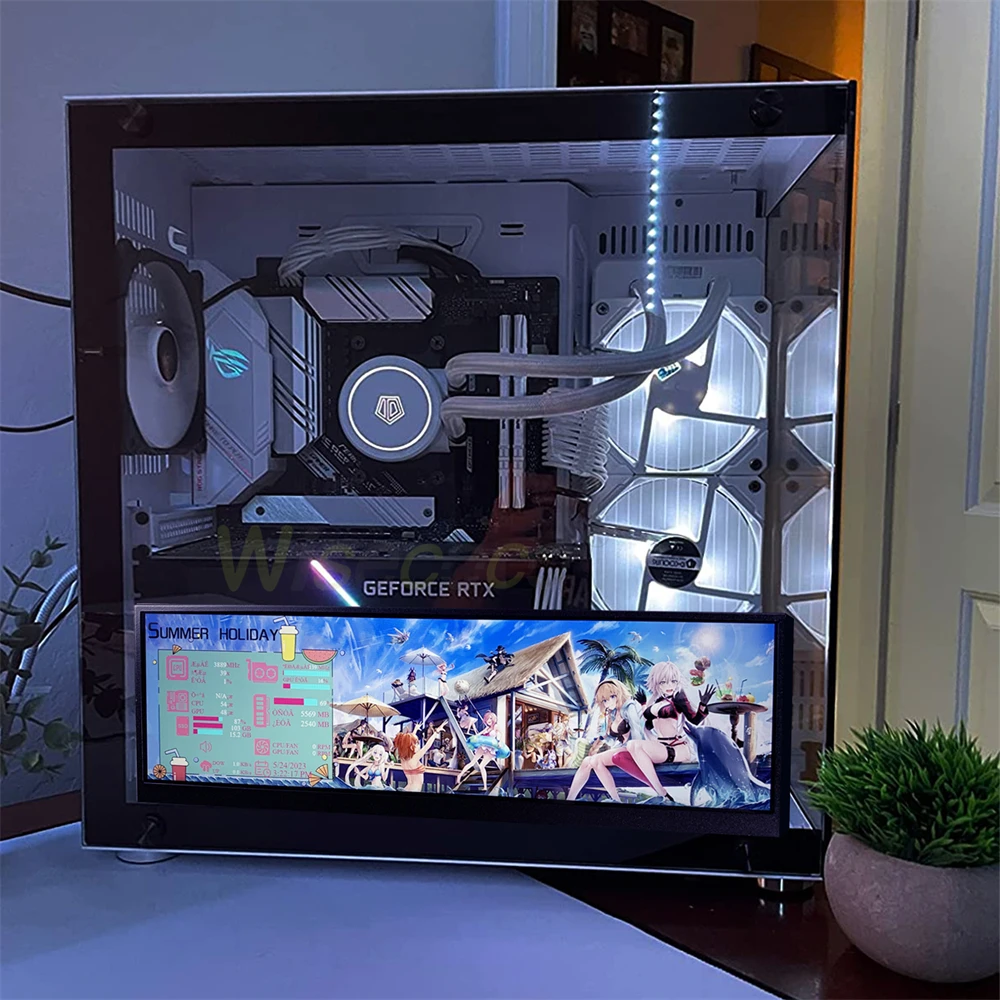
Widely Compatibility: DIY Secondary screen Monitor for pc case Compatible with AIDA64 / Raspberry Pi / Windows7/8/10/11, Monitoring the Real Time PC Hardware CPU, GPU, Temperature, RAM, HDD, Time, FPS, Download/Upload Speed etc. .
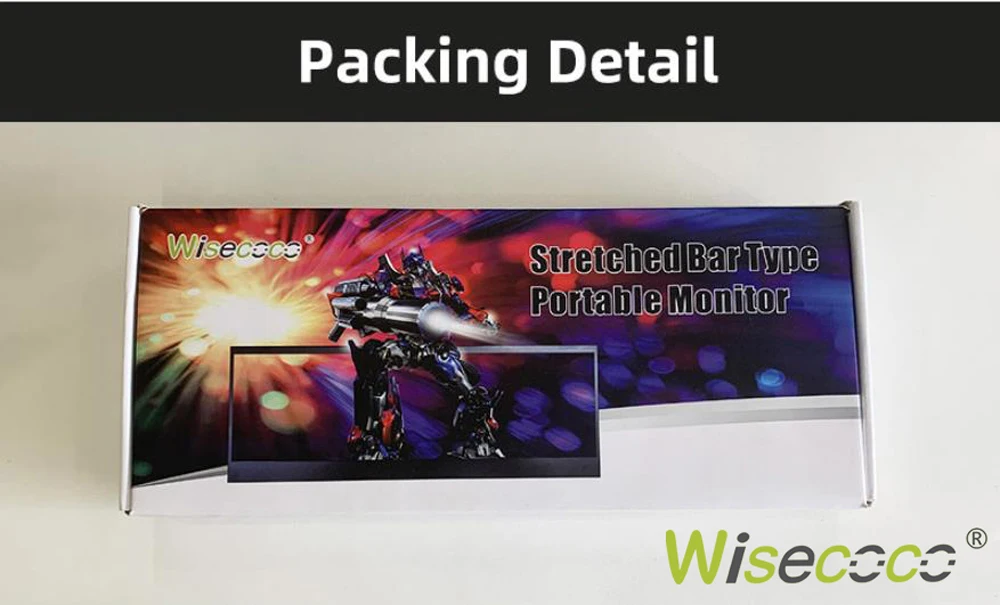
Package list:
1x 14" Monitor
1x HDMI to mini HDMI cable
1x USB A to USB c cable
1x Type c cable
1x user instructions